Using MeshCraft
Everything you need to open the editor and start building 3D scenes — no programming required.
What is MeshCraft?
MeshCraft is a 3D scene editor. Instead of sculpting triangles like a traditional 3D modeling program, you work with ready-made building blocks: boxes, spheres, cylinders, and other shapes that you place, resize, and combine. You can cut holes in shapes, glue shapes together, color and light your scene, and even animate objects over time — all through point-and-click panels.
When you're happy with a scene, MeshCraft exports it to glTF/GLB, a format that almost every modern 3D tool and game engine (Blender, Godot, Unity, and more) can open directly.
You won't need to write code, use the command line, or understand XML to follow this guide. If you're a developer looking to build MeshCraft from source or extend it, see the Developer docs instead.
What you'll learn
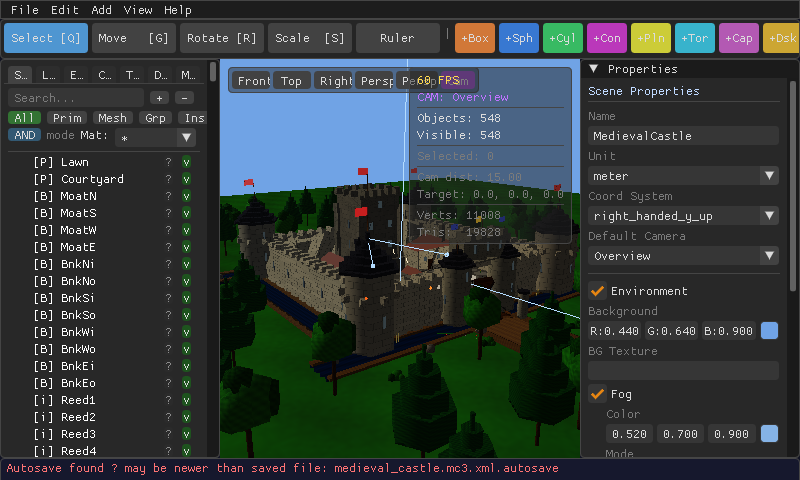
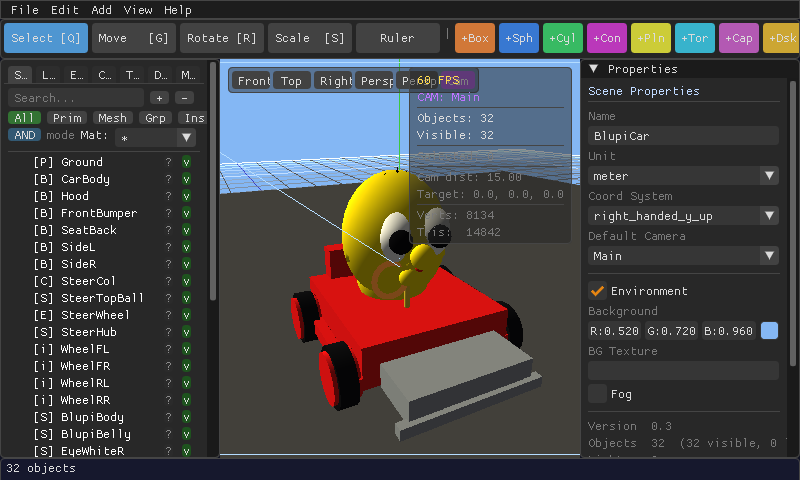
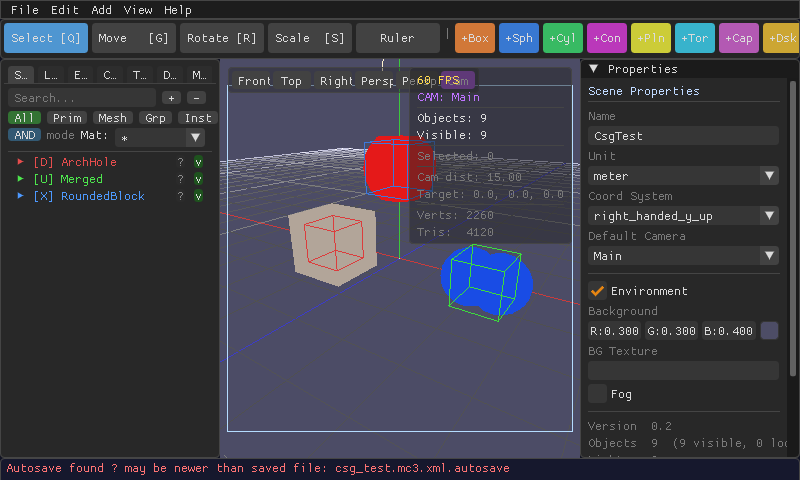
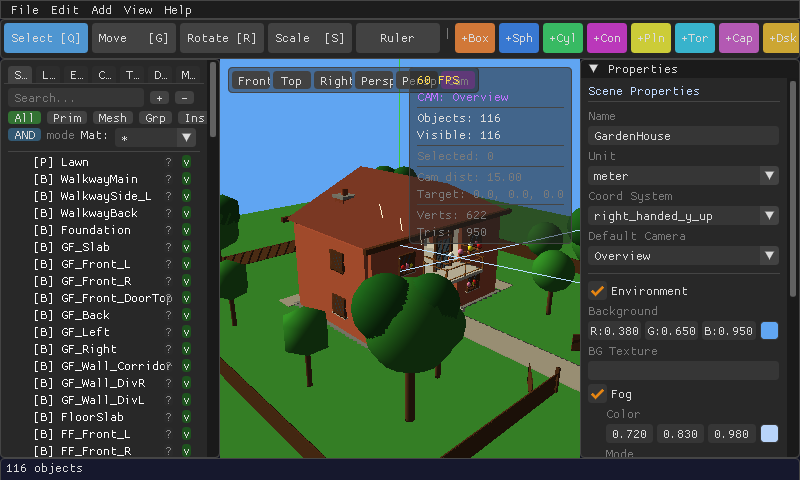
A few real examples
All built entirely in MeshCraft, from primitive shapes.